




Know the state of the school in a minute, every morning
Attendance, money, admissions and decisions waiting, on one page.
What is the dashboard?
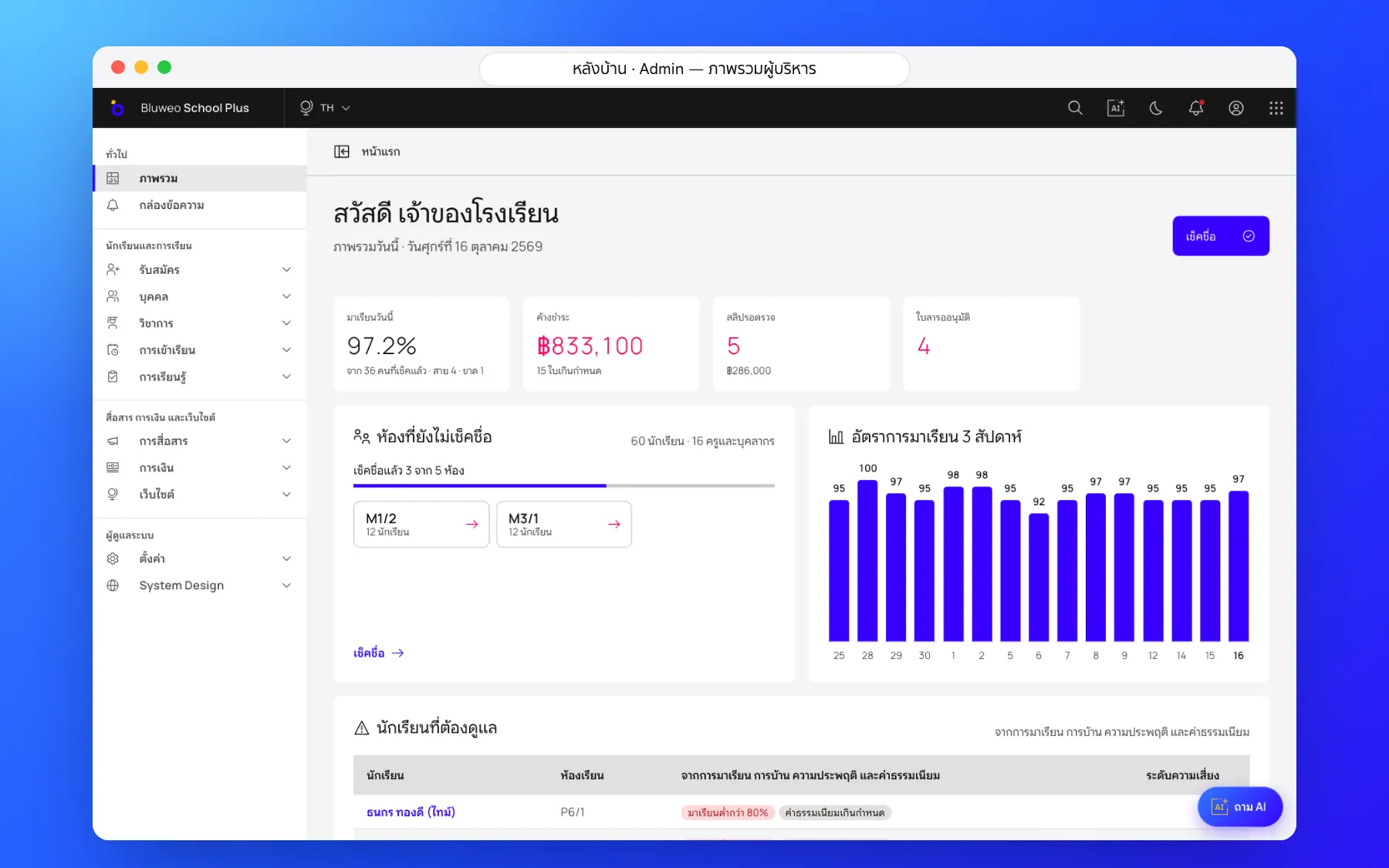
The Bluweo School Plus dashboard brings today’s key numbers from every module together and takes you to what needs doing in one tap.
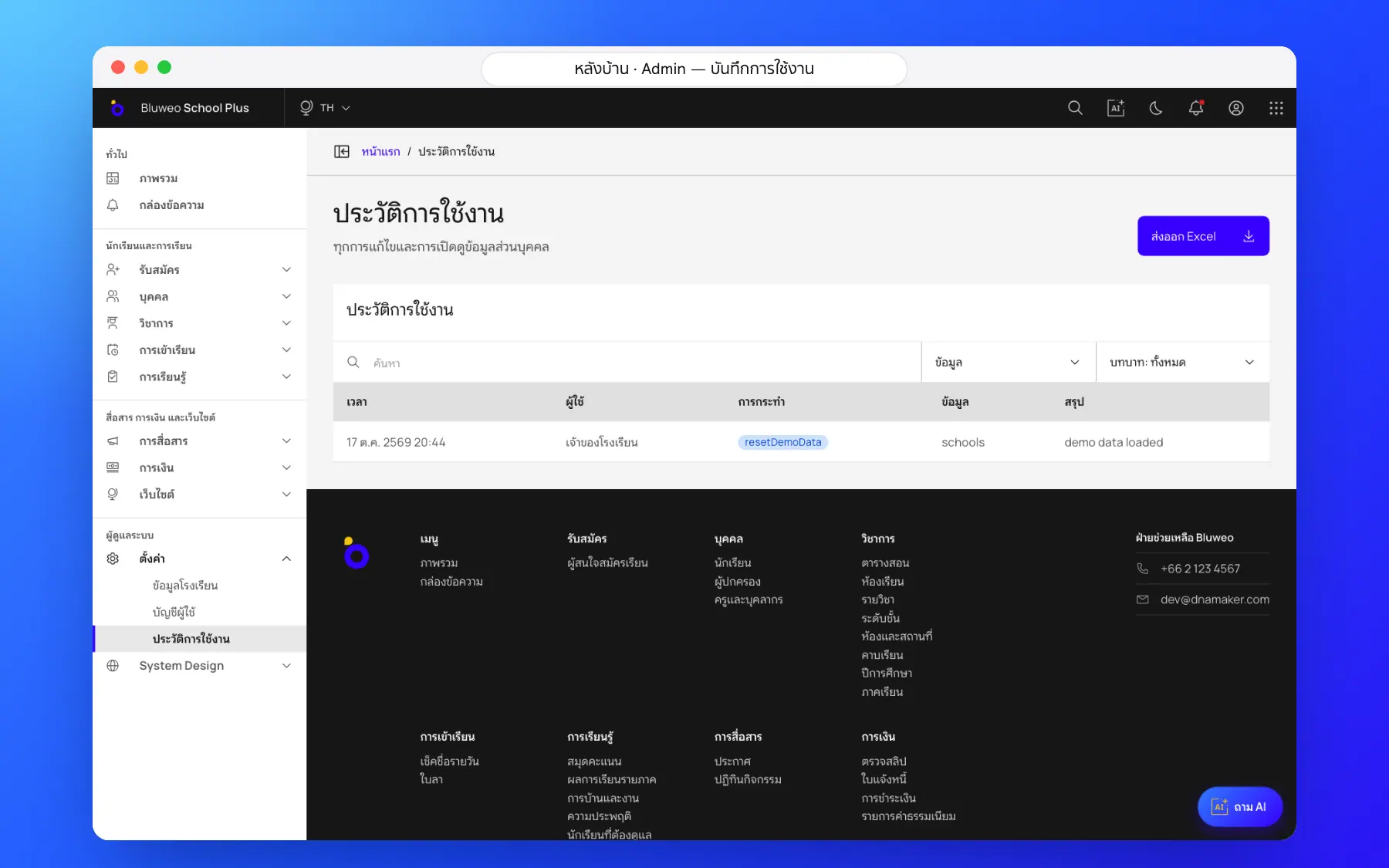
Leadership dashboard screenshots
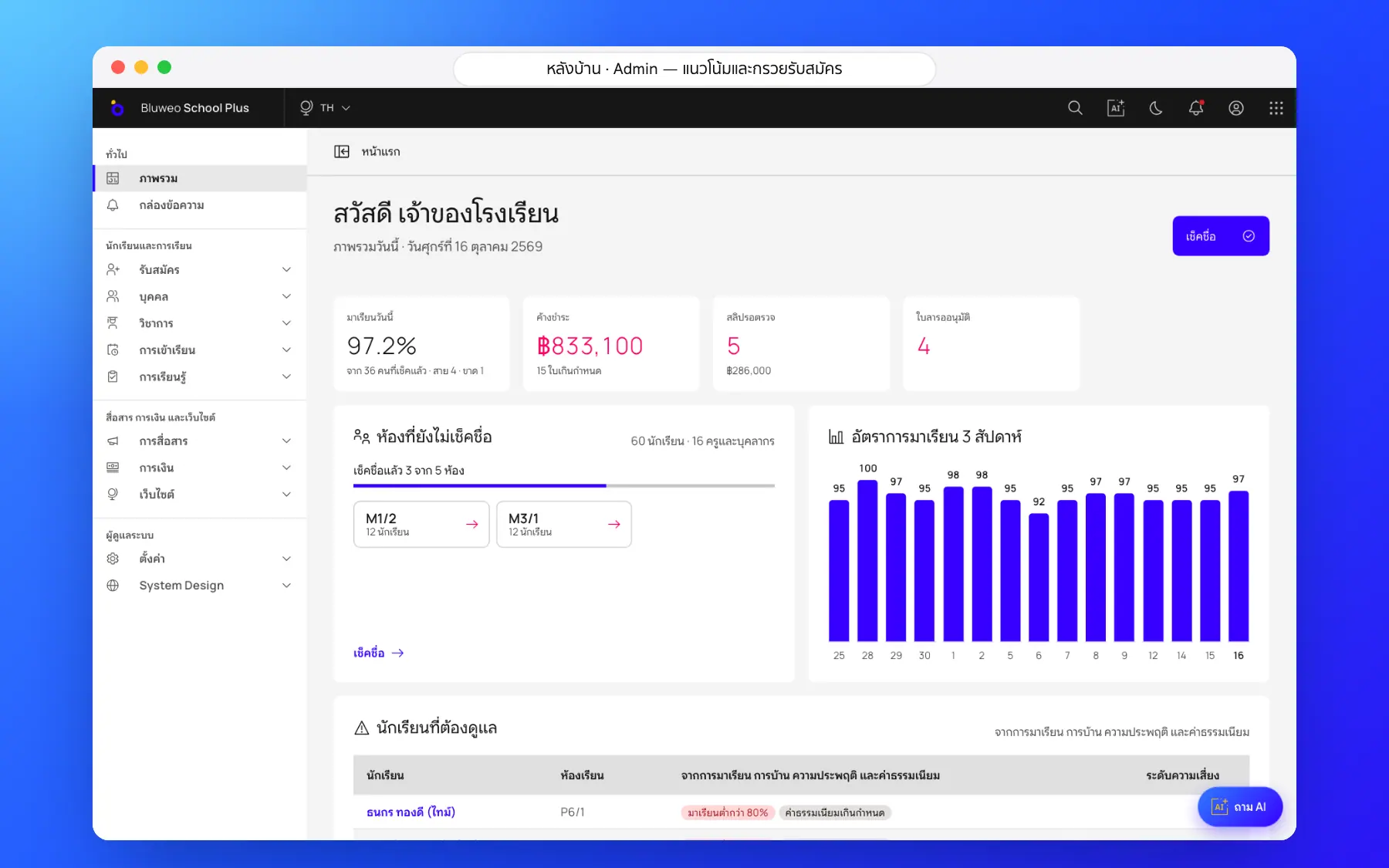
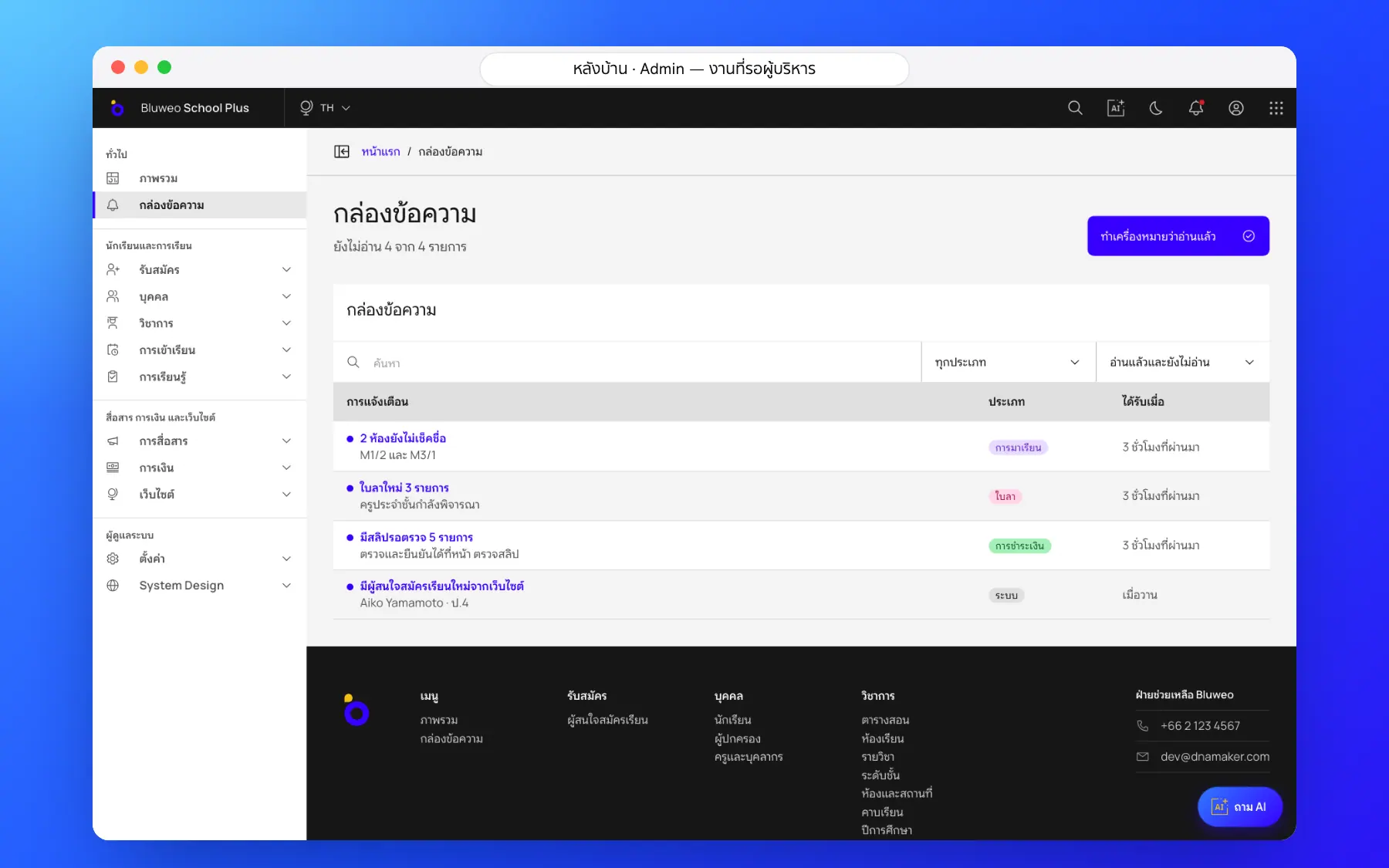
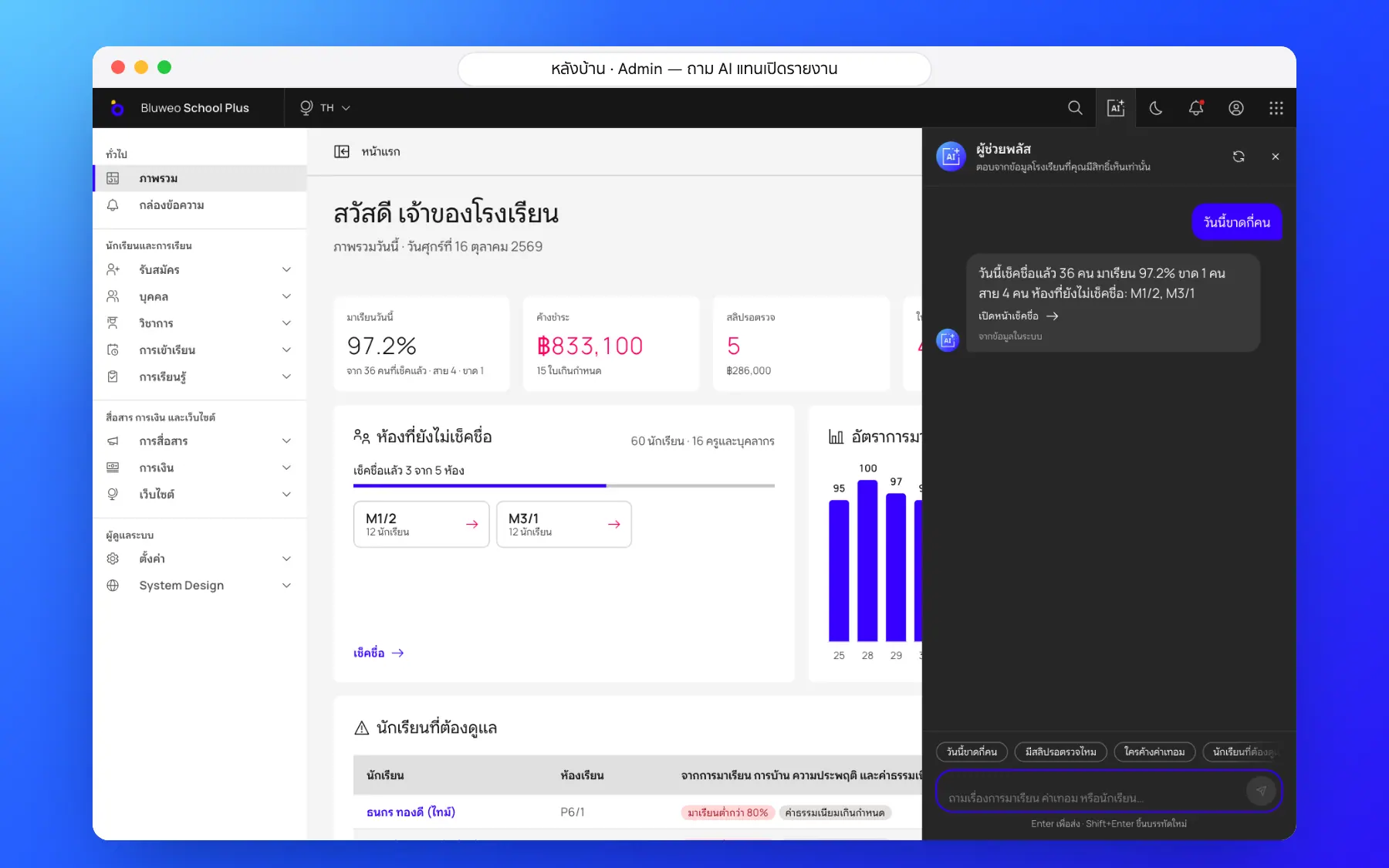
Real screens from the live demo. Click a screenshot to see it large and step through them.
How it works
How a school uses the leadership dashboard
1. Open the dashboard
Today’s key numbers on the first page.
2. See what needs doing
Classes not checked, slips to review and leave to approve.
3. Tap to act
Each number leads to the page where you deal with it.
4. Ask the AI
Ask for any other number you need.
What it does
Everything it can do today
Today’s attendance
The attendance rate and classes still to check.
Money
Outstanding and overdue fees, and slips to check.
Admissions
Families at each stage.
Approvals
Leave and other matters waiting for leaders.
Three-week trend
Attendance over time as a chart.
Money day by day
Billed, collected and outstanding.
Admissions funnel
Applicants at each stage.
By role
Each role sees only the numbers that concern it.
Who uses it
Everyone shares one set of data but sees only their part
Owners
Know the school’s state in a minute.
Principals
See what needs a decision every morning.
Heads of department
See their department’s backlog.
Related features
Every feature shares one set of data, so they work together from day one
AI for schools
Ask school data in plain language, draft report comments and follow students at risk.
Learn more — AI for schoolsStudent attendance
Morning roll call on a phone in seconds; parents are told at once when a child is absent.
Learn more — Student attendanceSchool fee collection
Invoices with PromptPay QR, a slip-checking queue, receipts and duplicate-slip blocking.
Learn more — School fee collectionDashboard questions
Live: as soon as something is recorded, no report to compile.
No, each role sees only the numbers that concern its work.
Yes, on computers and phones.