




Every child’s data kept safe, under PDPA
Role-based access, encrypted sensitive data and a full audit log.
What is access control?
The Bluweo School Plus access control lets each person see only what their work needs and logs every access to sensitive data.
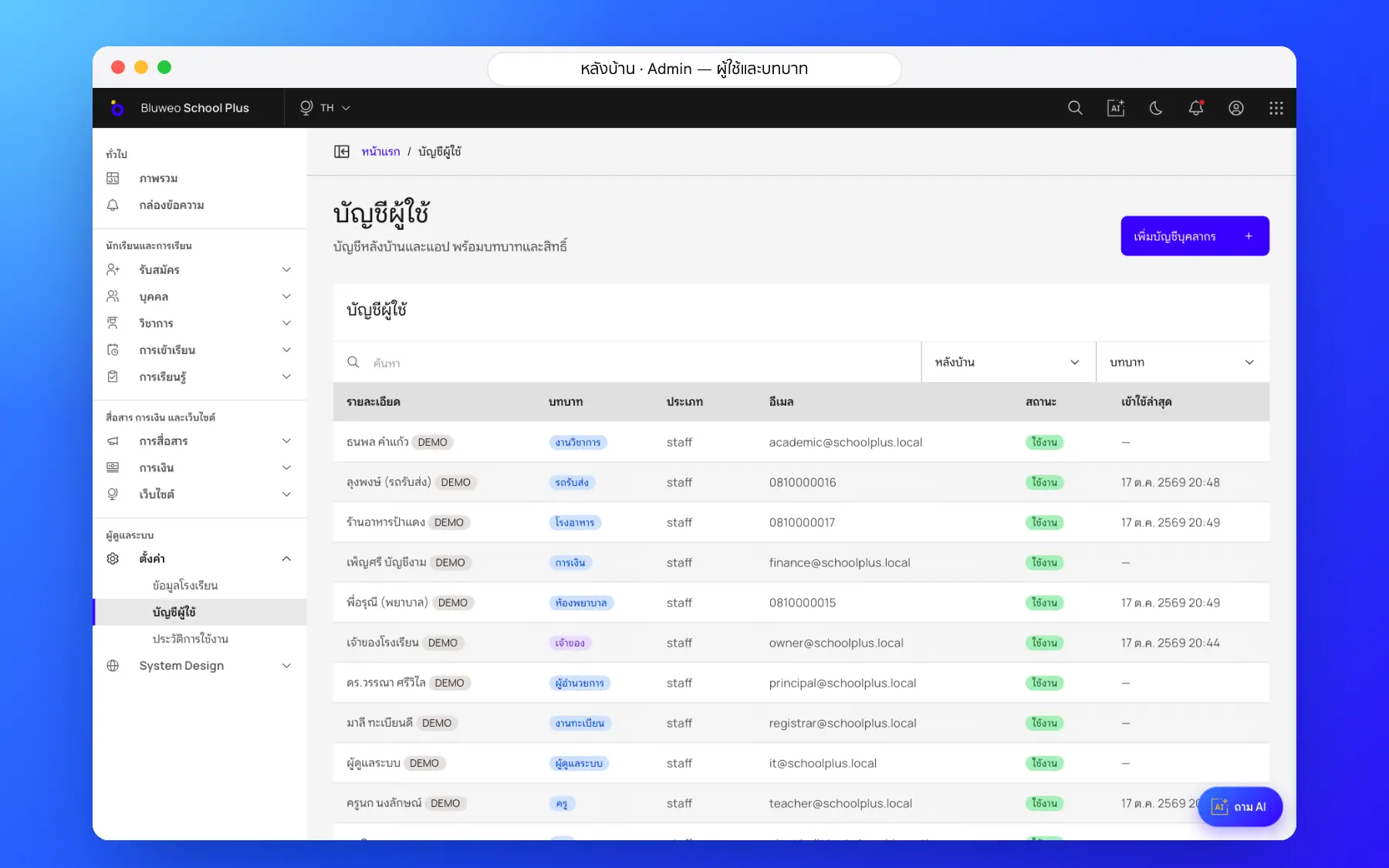
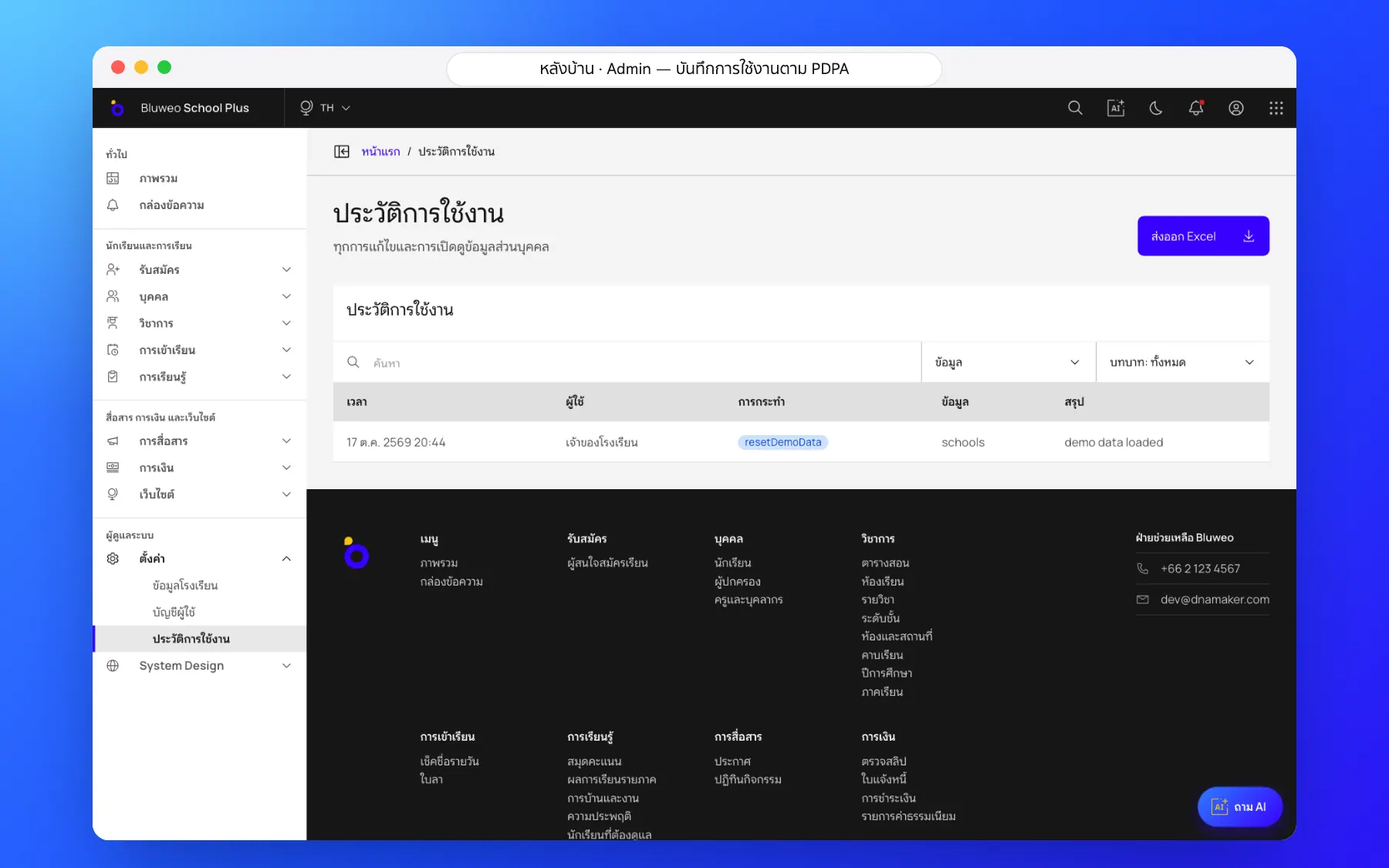
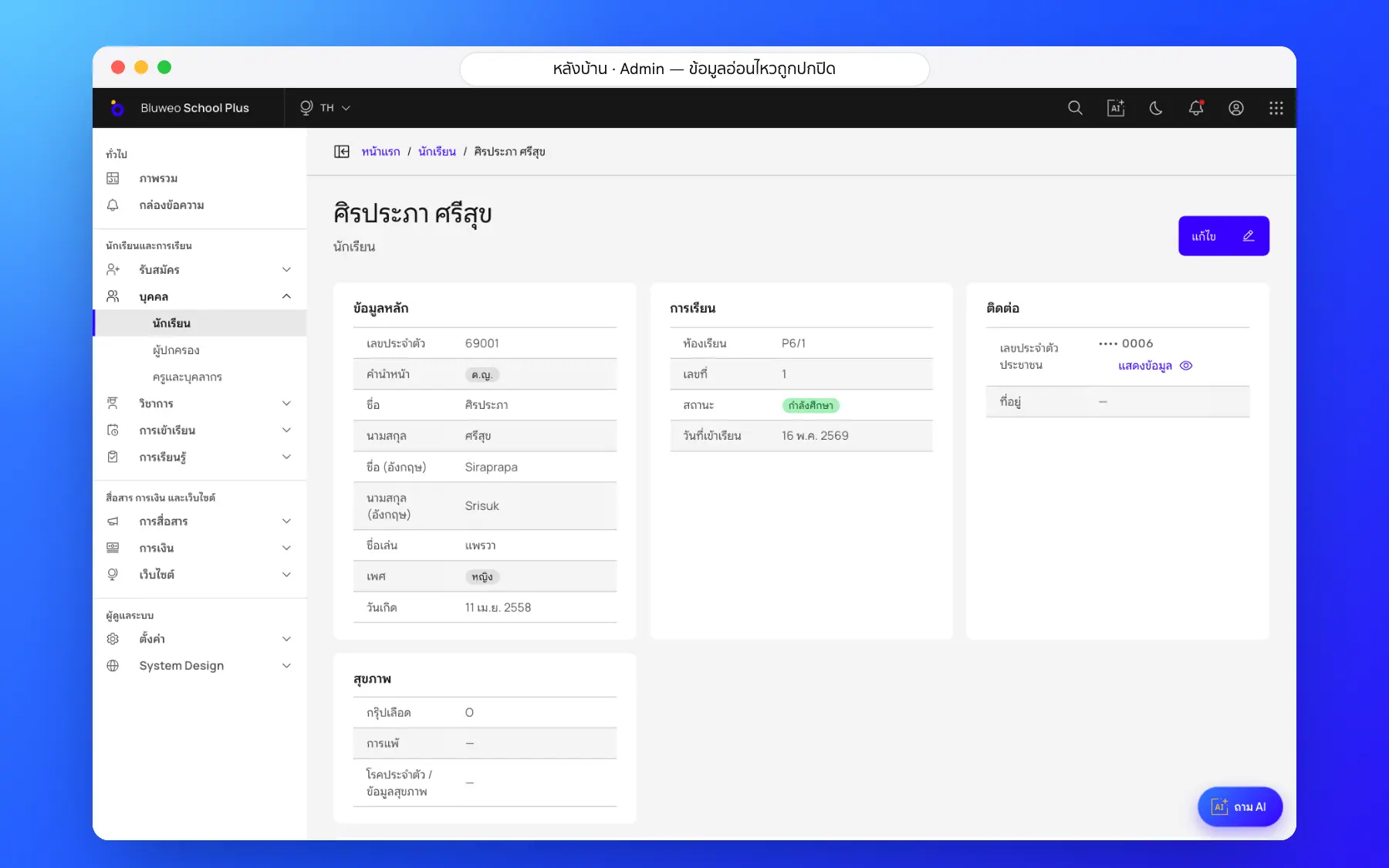
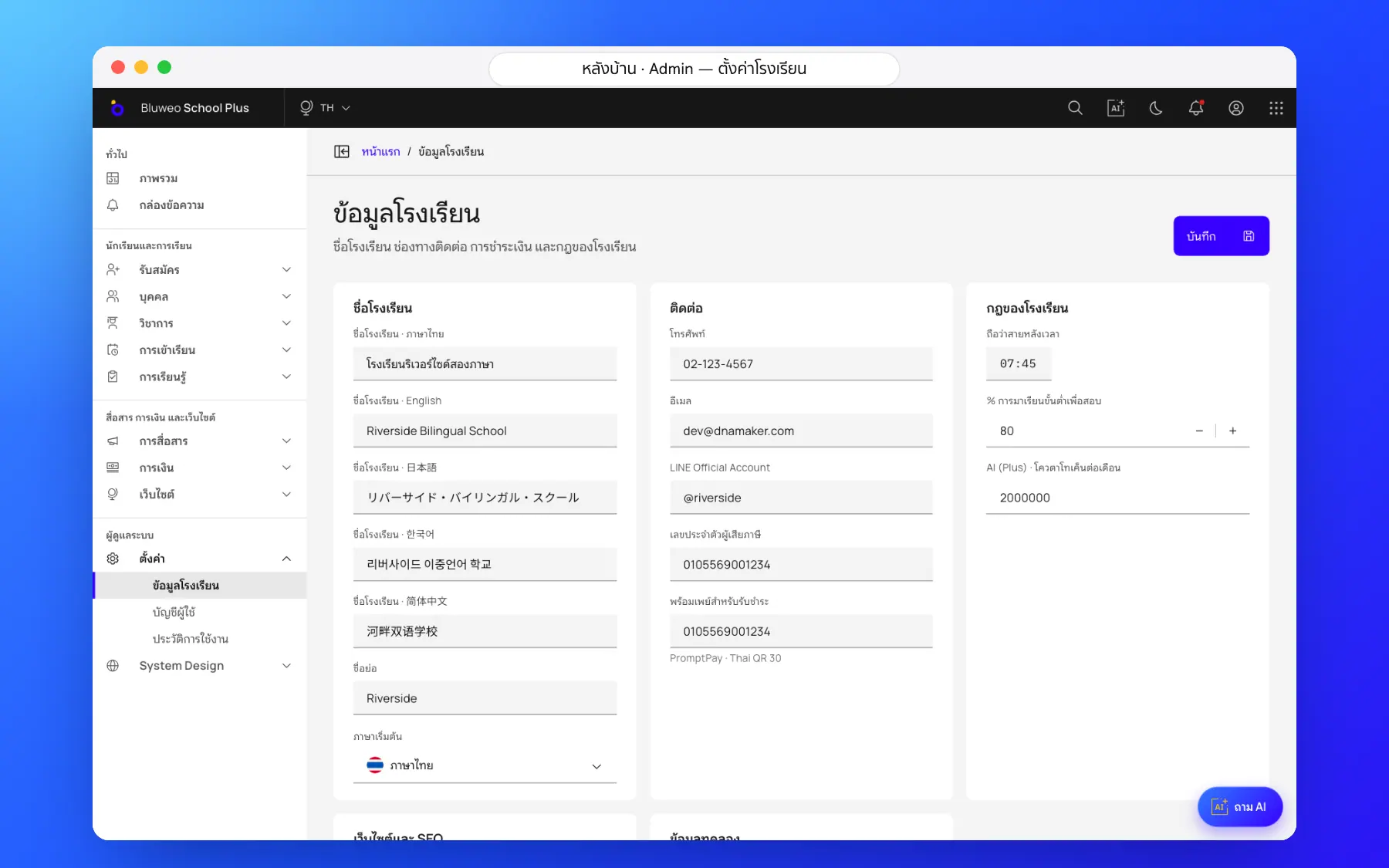
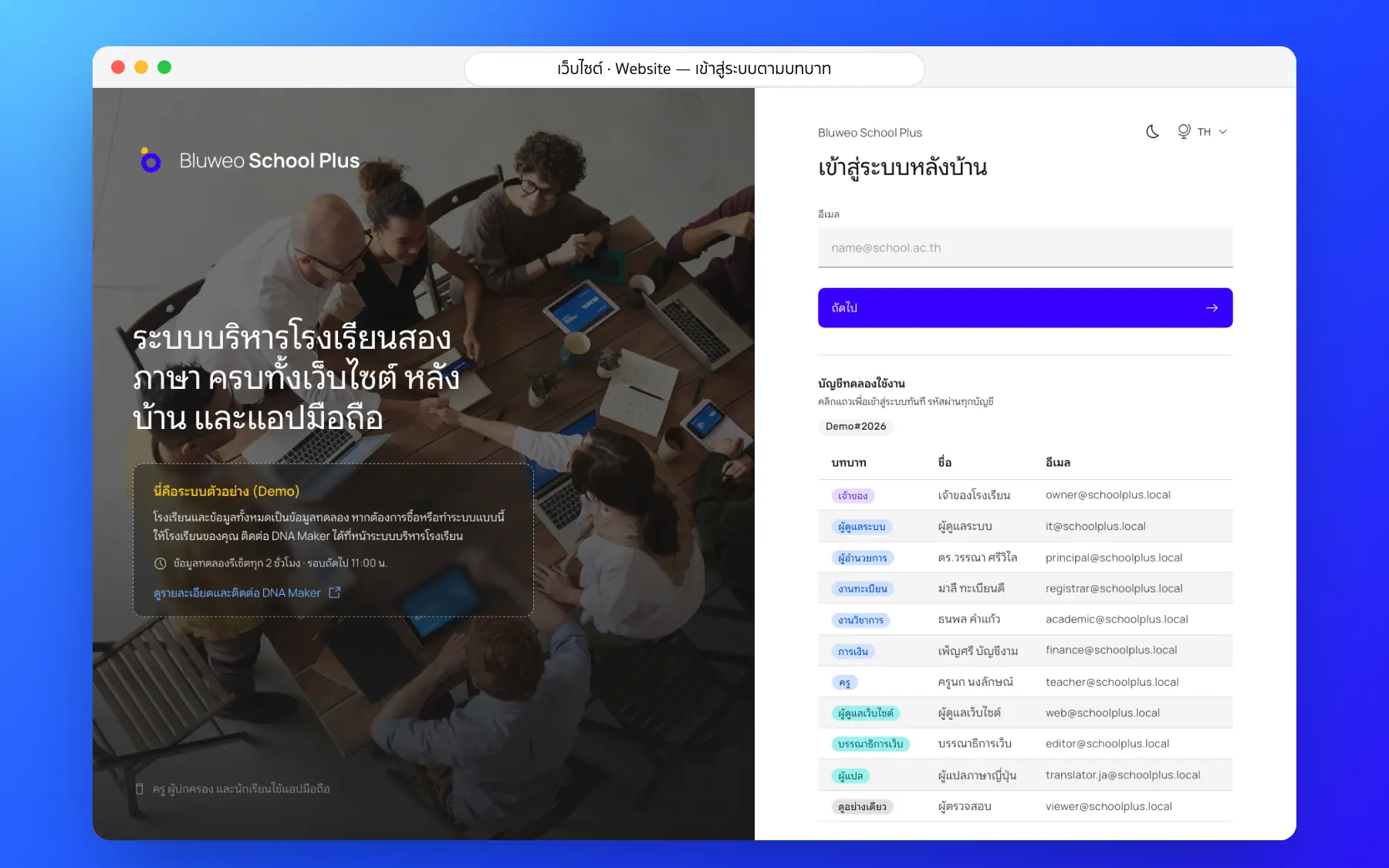
Roles, security and PDPA screenshots
Real screens from the live demo. Click a screenshot to see it large and step through them.
How it works
How a school uses the roles, security and pdpa
1. Assign roles
Owner, principal, registrar, finance, teacher and more.
2. Only what is allowed
Menus and data follow each role’s permissions.
3. Sensitive data encrypted
Revealing it needs permission and is always logged.
4. Review anytime
The audit log shows who did what and when.
What it does
Everything it can do today
Every role
Owner, principal, registrar, finance, teacher, parent, student and staff.
Encrypted sensitive data
ID numbers and health data are encrypted in the database.
Audit log
Every change and every look at sensitive data.
PDPA consent
Consent is asked before the website keeps any data.
Teachers see their classes
Teachers see only the students they teach or look after.
Parents see their children
Parents see only their own children’s data.
Safe passwords
Limited wrong attempts and strong passwords.
On the school’s own server
Keep data in the cloud or on the school’s server.
Who uses it
Everyone shares one set of data but sees only their part
IT admins
Set permissions and look after accounts.
Data protection officers
Review data access under PDPA.
Leaders
Be sure children’s data is safe.
Related features
Every feature shares one set of data, so they work together from day one
Student and staff records
Students, guardians, staff and classes in one register, with sensitive data encrypted.
Learn more — Student and staff recordsLeadership dashboard
Attendance, money, admissions and what is waiting, on one page every morning.
Learn more — Leadership dashboardSchool website and CMS
Drag-and-drop pages, full SEO and five languages.
Learn more — School website and CMSSecurity questions
In the encrypted cloud, or on the school’s own server.
Only permitted roles, and every reveal is logged.
Turn the account off and access stops at once.