




School bus system: know when your child boards and arrives
Bus or gate staff find or scan the student and tap on or off; the system records the time and tells the parents at once.
What is the school bus system?
With Bluweo School Plus, staff on the bus or at the school gate record students boarding, leaving the bus, arriving and leaving from a phone. The time appears in the parent app at once and becomes the arrival time on the student and parent home screens.
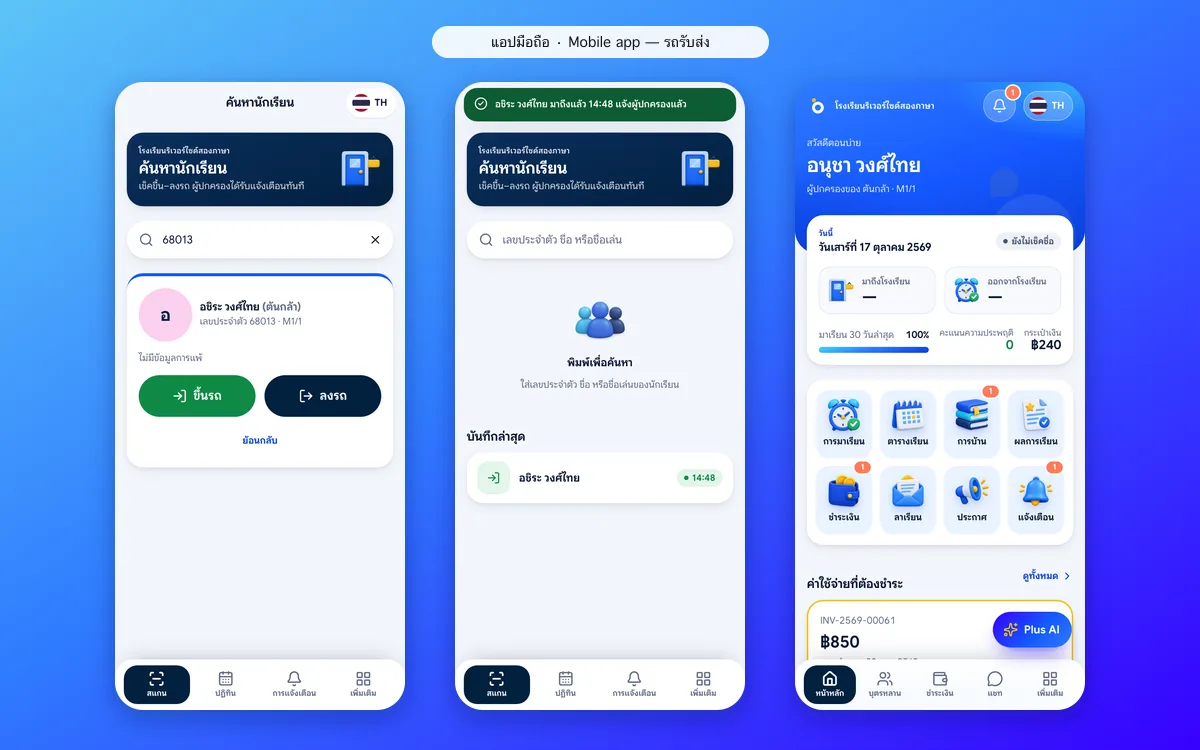
Bus and gate staff app: scan on and off in seconds
Staff search by student ID or name and tap on or off. The system records the time and tells the parents at once, and the latest scans help check that everyone is there.
- Search by ID or name
- Large on and off buttons
- Parents notified with the time
- Latest scans to check everyone is there
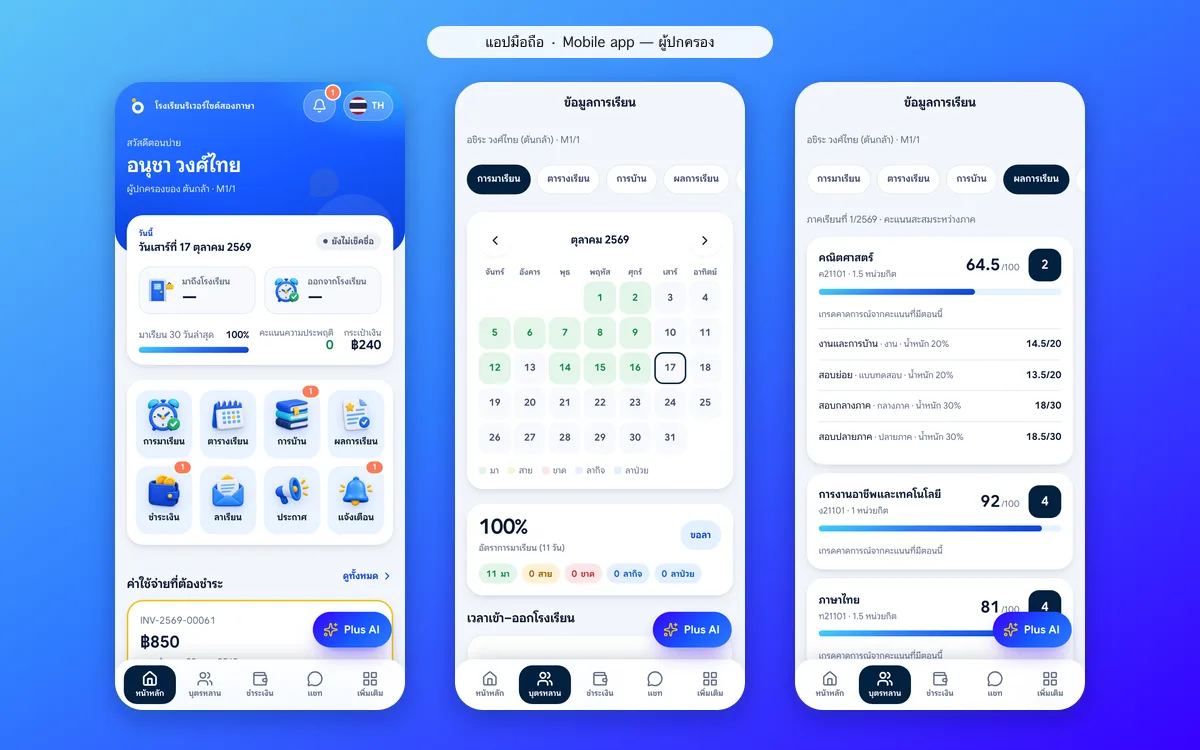
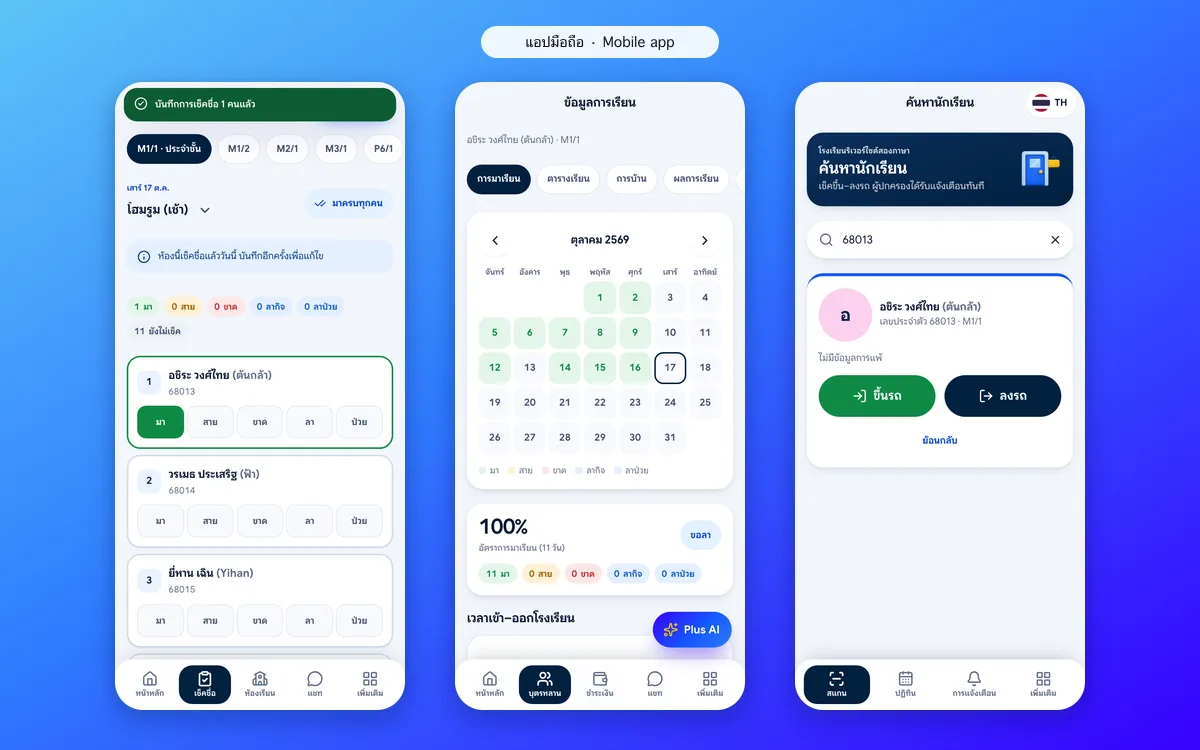
Parent app: know when your child arrives
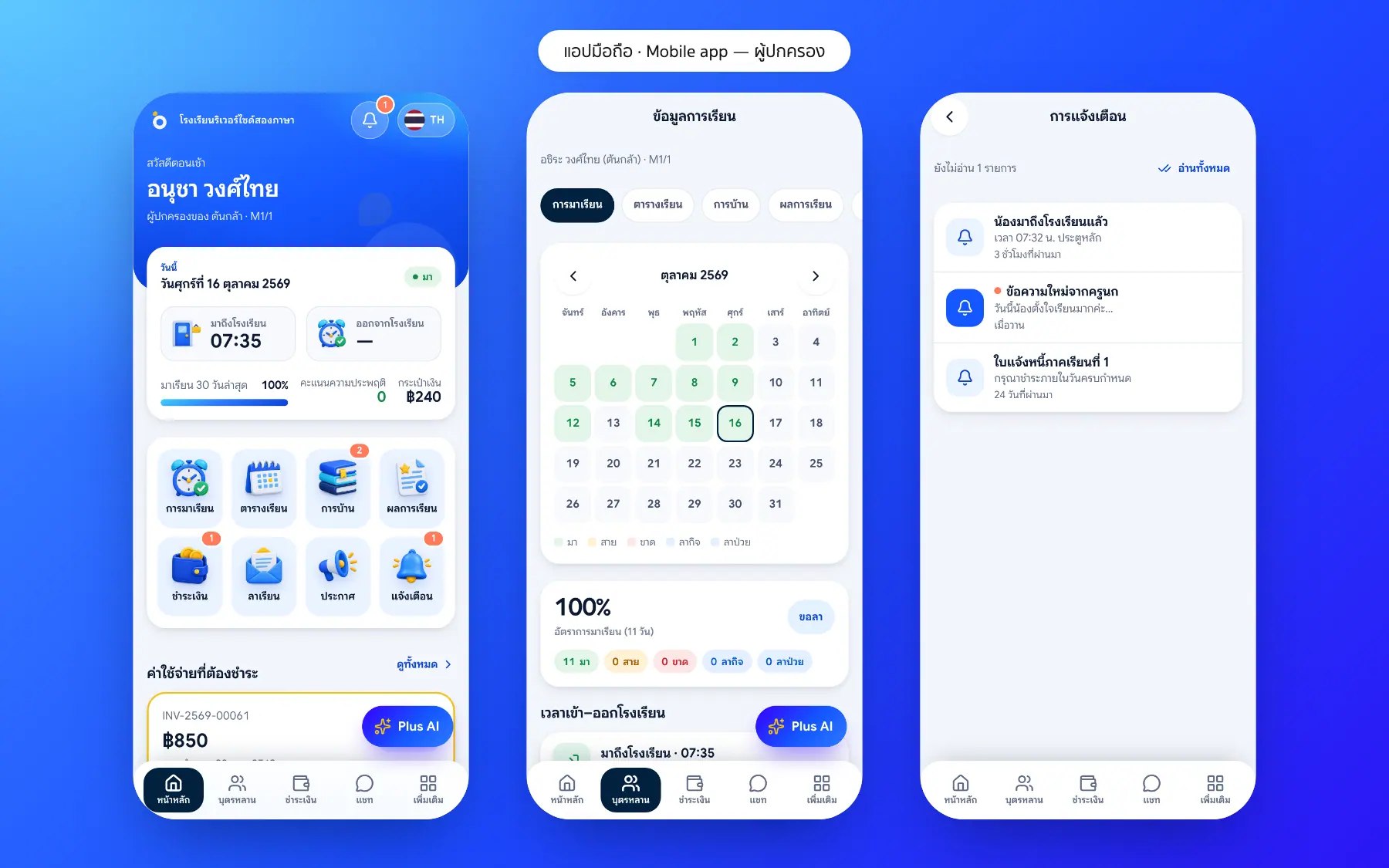
Arrival and departure times appear on the parent and student home screens and support the teacher’s roll call, so parents no longer need to call to ask.
- Arrival and departure times on the home screen
- Alerts on boarding and arrival
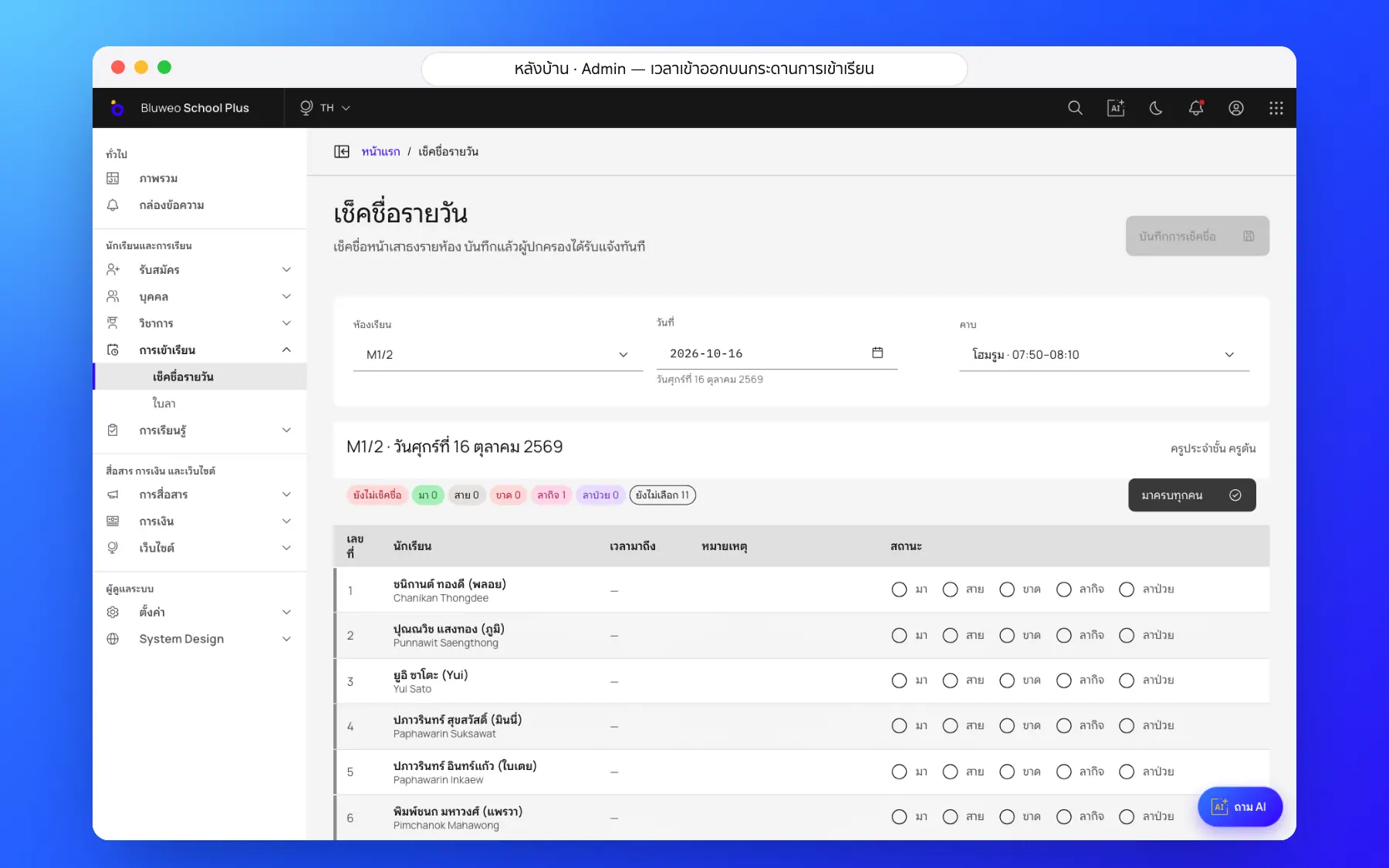
- Supports the teacher’s roll call
- Live bus location is on the roadmap
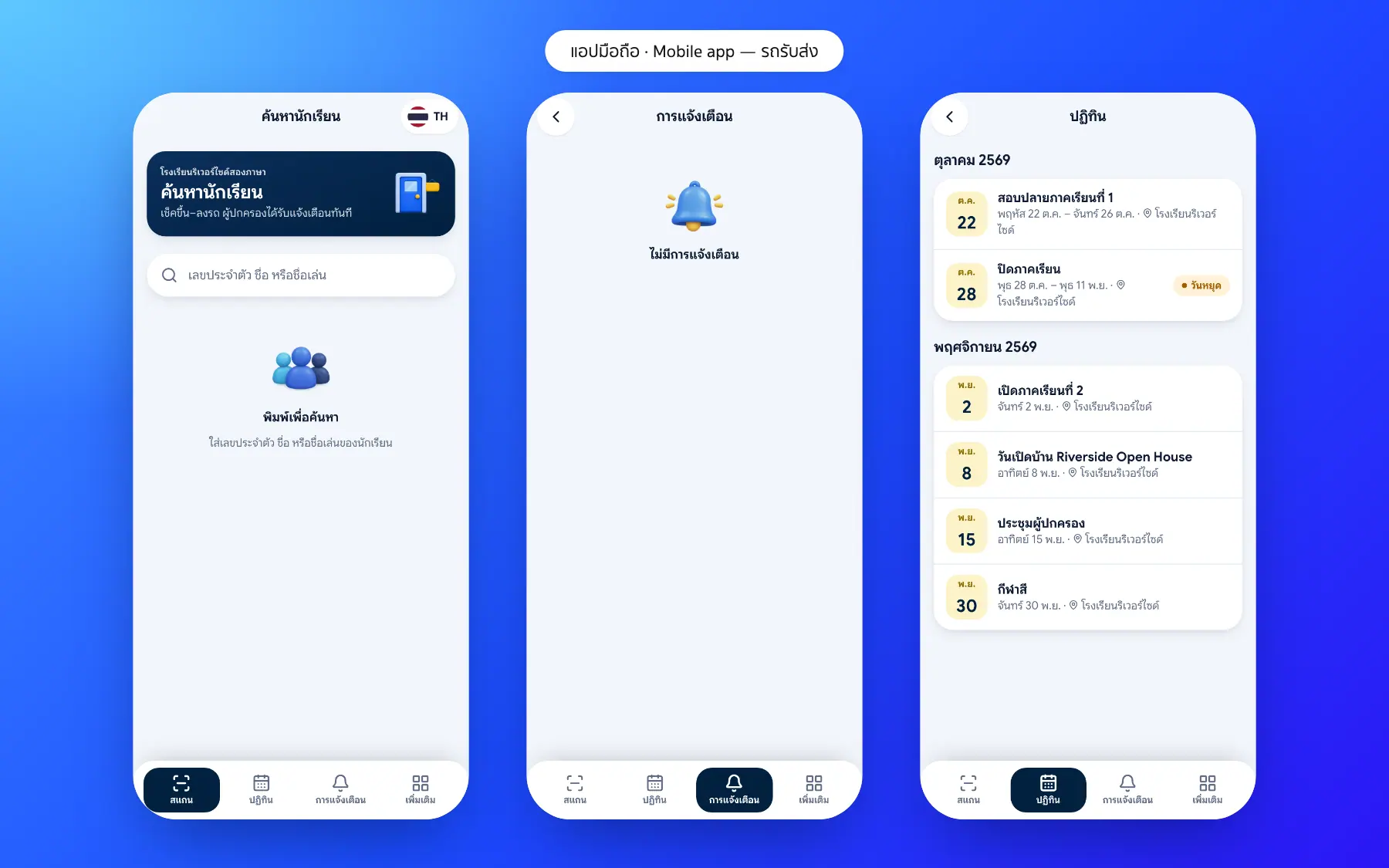
School bus and arrival screenshots
Real screens from the live demo. Click a screenshot to see it large and step through them.
How it works
How a school uses the school bus and arrival
1. Register routes
Each student is linked to a bus route.
2. Scan on board
Staff scan the student card on boarding.
3. Scan on arrival
The arrival time is recorded as attendance.
4. Parents are told
An alert with the time at every point.
What it does
Everything it can do today
Scan from a phone
Find a student by ID or name and tap on or off the bus.
Parents told at once
A notification with the time when their child boards, arrives or heads home.
Arrival time in the app
The parent and student home screens show arrival and departure times.
Latest scans in one place
Staff see the students scanned most recently and can check everyone is there.
Gate scans too
Students who come by themselves scan at the gate.
Who hasn’t arrived
See students who boarded but have not arrived.
Registered pick-ups
Only people the parents allow may collect a child.
An ordinary phone
Staff scan with the phone camera; no extra hardware.
Who uses it
Everyone shares one set of data but sees only their part
Bus staff
Scan on and off with a phone.
Parents
Know at once that their child has arrived.
Facilities
Know who is on the school grounds.
Related features
Every feature shares one set of data, so they work together from day one
Student attendance
Morning roll call on a phone in seconds; parents are told at once when a child is absent.
Learn more — Student attendanceParent and student app
Attendance, homework, grades, fees and chat with teachers in one app.
Learn more — Parent and student appSchool communication
Announcements, an events calendar, notifications and teacher–parent chat.
Learn more — School communicationSchool bus questions
No. Staff open the scan screen in the app on a school phone.
Yes. Arrival and departure at the gate are recorded the same way as on the bus.
Today the system records boarding and alerts parents; live bus location is on the roadmap.
No. Staff search by student ID or name and tap on or off the bus.
Yes. Every scan on the bus or at the gate is recorded with its time and can be looked up later.