




A gradebook that works out grades for you
Teachers enter scores once; weighted totals, grades and report cards follow.
What is the gradebook?
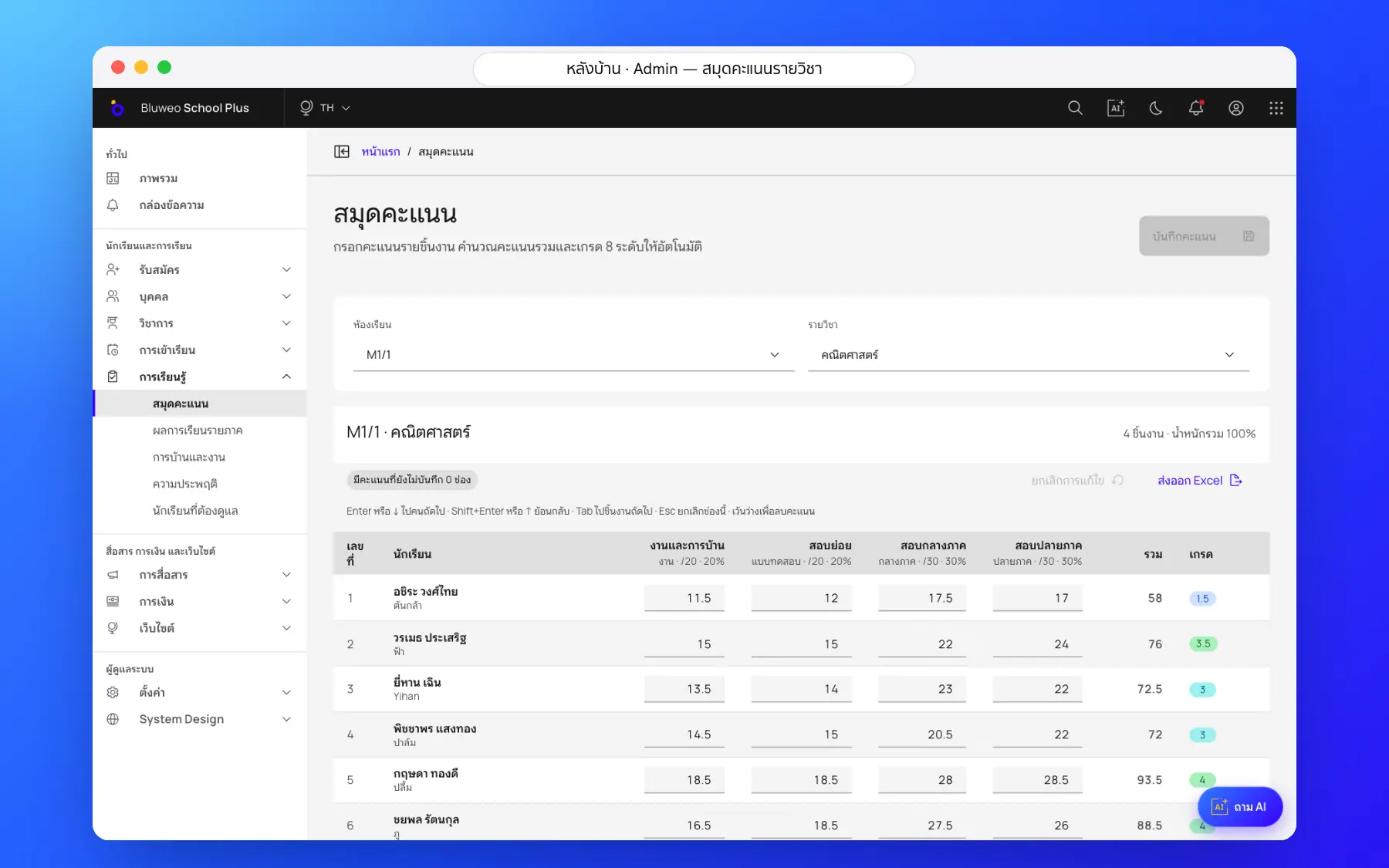
The Bluweo School Plus gradebook takes every score of each subject and turns it into a weighted total and an 8-level grade at once.
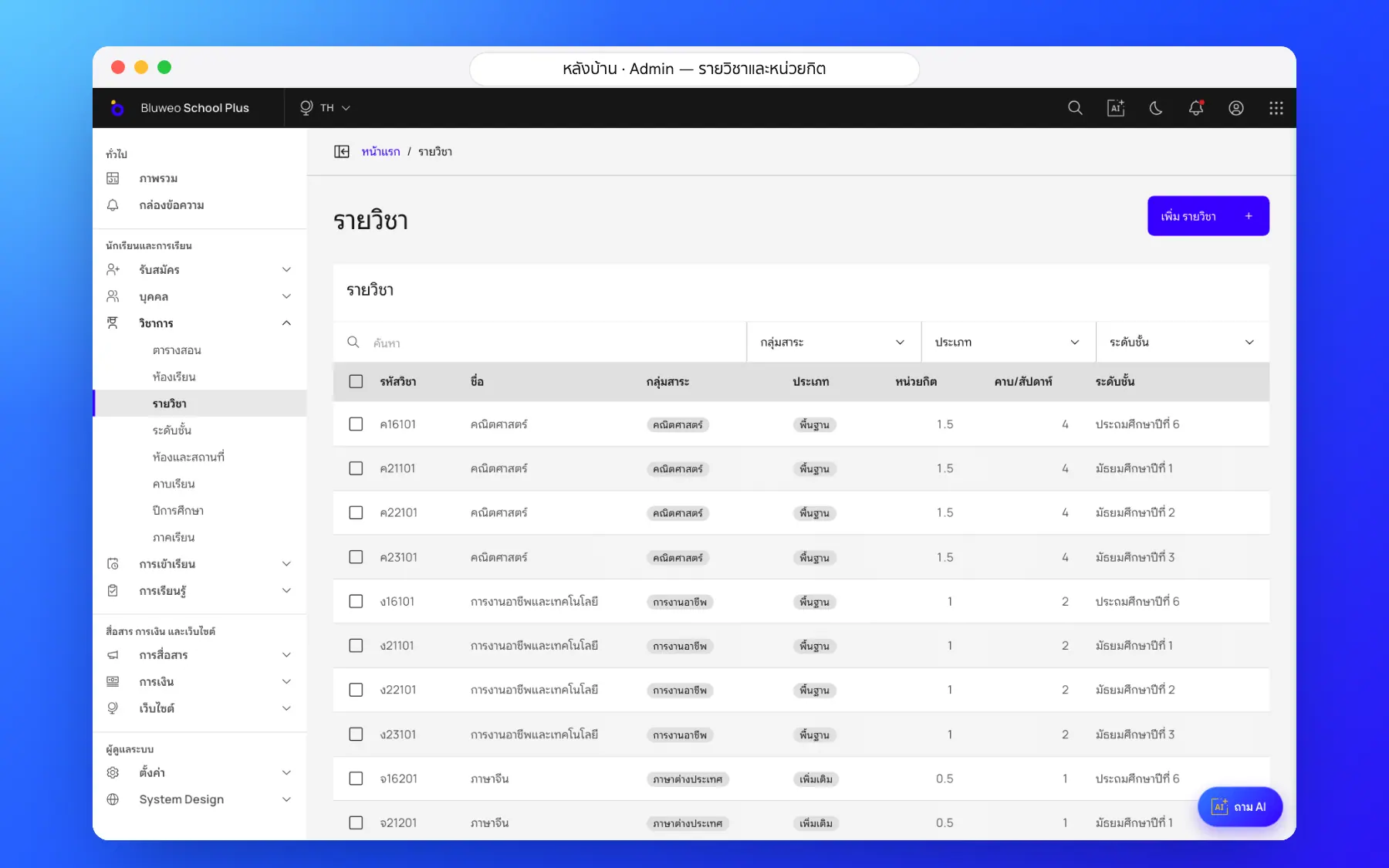
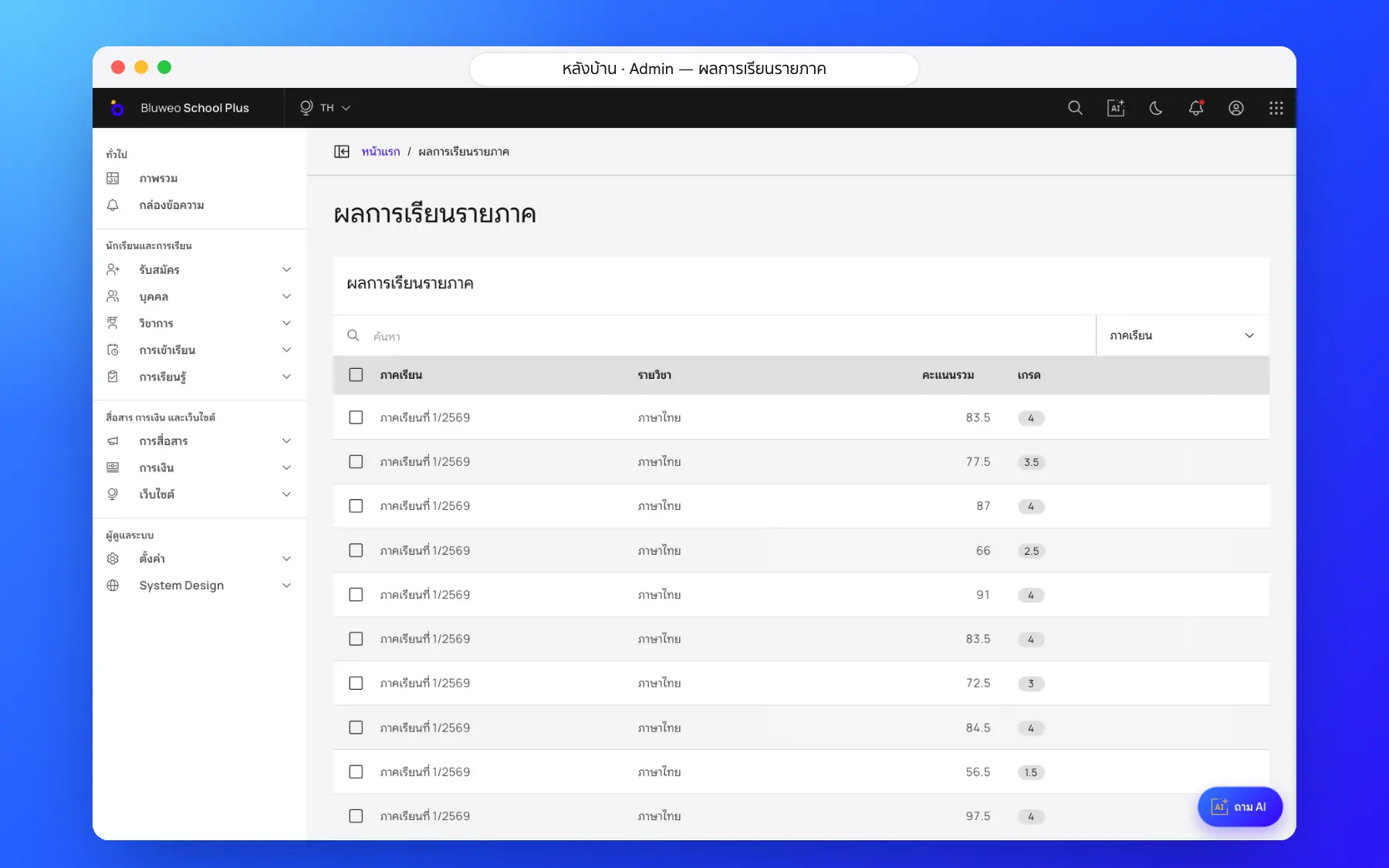
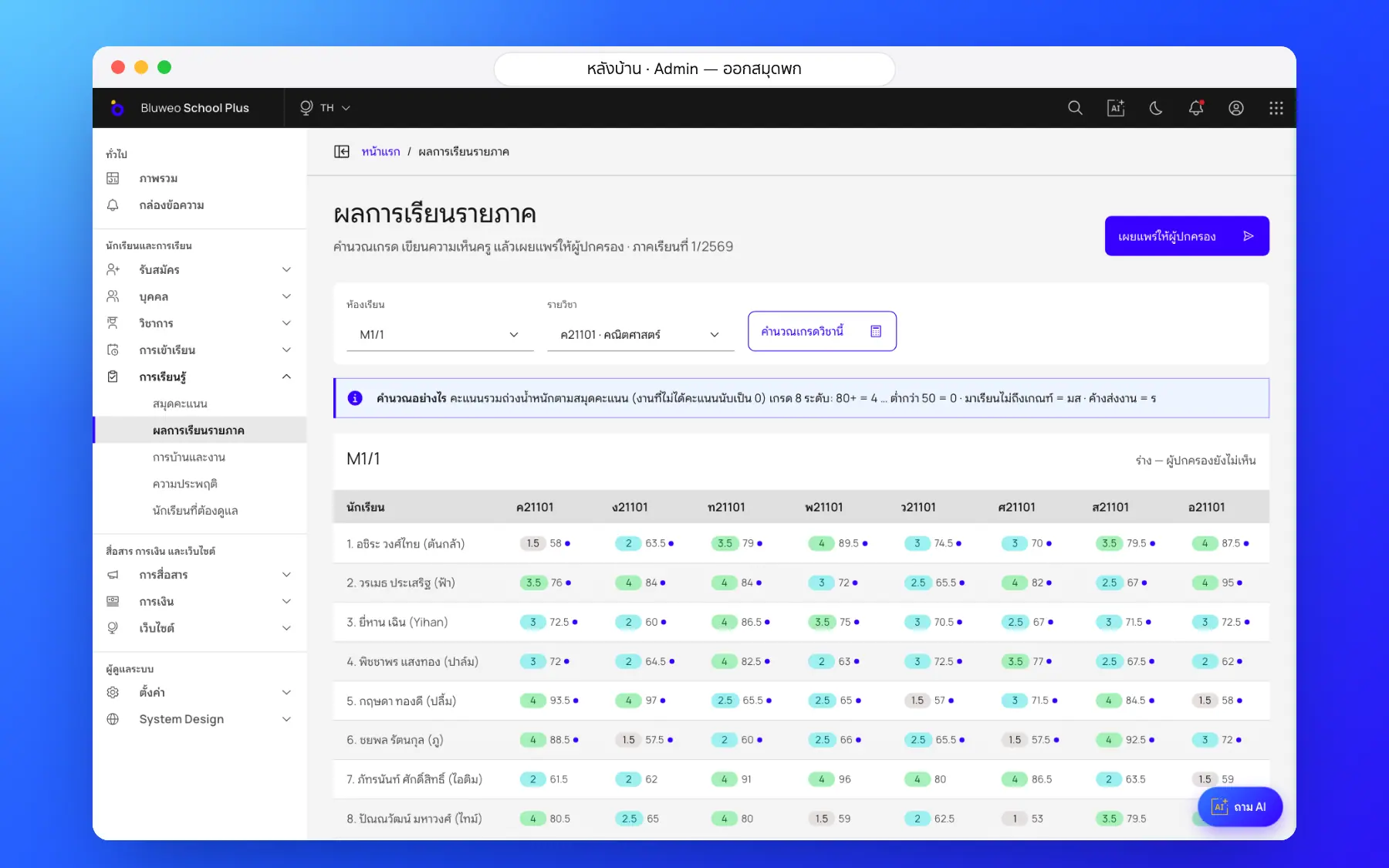
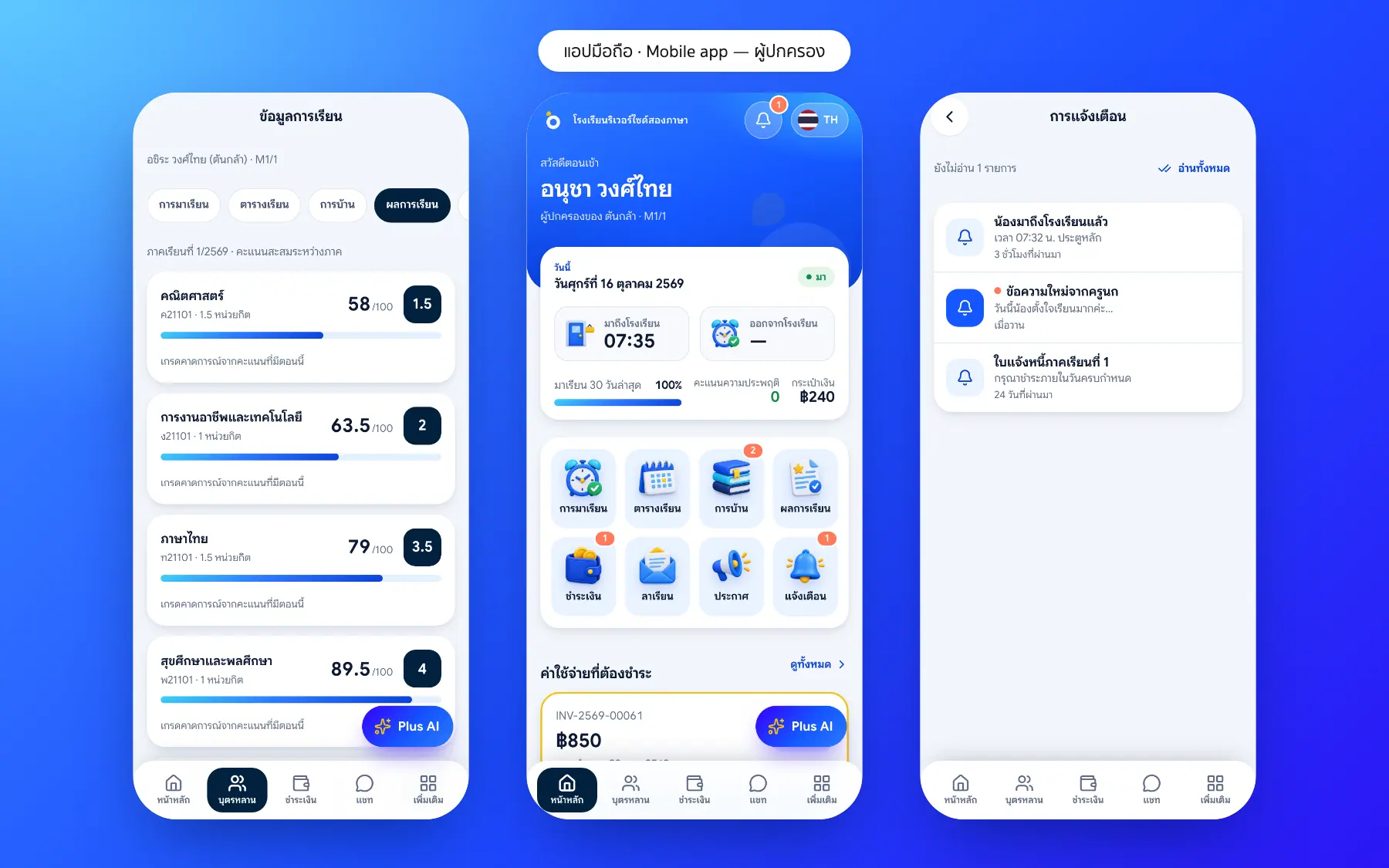
Gradebook screenshots
Real screens from the live demo. Click a screenshot to see it large and step through them.
How it works
How a school uses the gradebook
1. Set the weights
Coursework, quizzes, midterm and final, with their weights.
2. Enter scores like a sheet
Fast spreadsheet-style entry, saved automatically.
3. Check eligibility
The 80% attendance rule and students with มส or ร.
4. Grades at once
Weighted totals become 8-level grades straight away.
What it does
Everything it can do today
Fast, spreadsheet-style
Move with the keyboard like a sheet; saved automatically.
Flexible weights
Set coursework, quizzes and exams per subject.
Exam eligibility
The 80% attendance rule and students with มส or ร.
Into the report card
Totals become the ปพ.6 report card at once.
Curriculum subjects
Codes, learning areas and credits on the national curriculum.
Parents see each part
Each score appears in the app once saved.
Audited changes
Every score change is logged with who made it.
Into the report card
Totals flow into the ปพ.6 report card.
Who uses it
Everyone shares one set of data but sees only their part
Subject teachers
Enter scores fast, no maths by hand.
Assessment office
Check results school-wide and students with conditions.
Parents
Follow scores during the term.
Related features
Every feature shares one set of data, so they work together from day one
Report cards (ปพ.6)
Thai 8-level grades with the มส and ร rules and AI-drafted teacher comments; grading scales and report forms can be set up for each country and school.
Learn more — Report cards (ปพ.6)Student attendance
Morning roll call on a phone in seconds; parents are told at once when a child is absent.
Learn more — Student attendanceParent and student app
Attendance, homework, grades, fees and chat with teachers in one app.
Learn more — Parent and student appGradebook questions
Yes, set grade scales and weights for your school or curriculum.
Each score as soon as the teacher saves it; grades when the school publishes.
Yes, and every change records who made it and when.