




Canteen, nurse room and gate, scanned with a phone
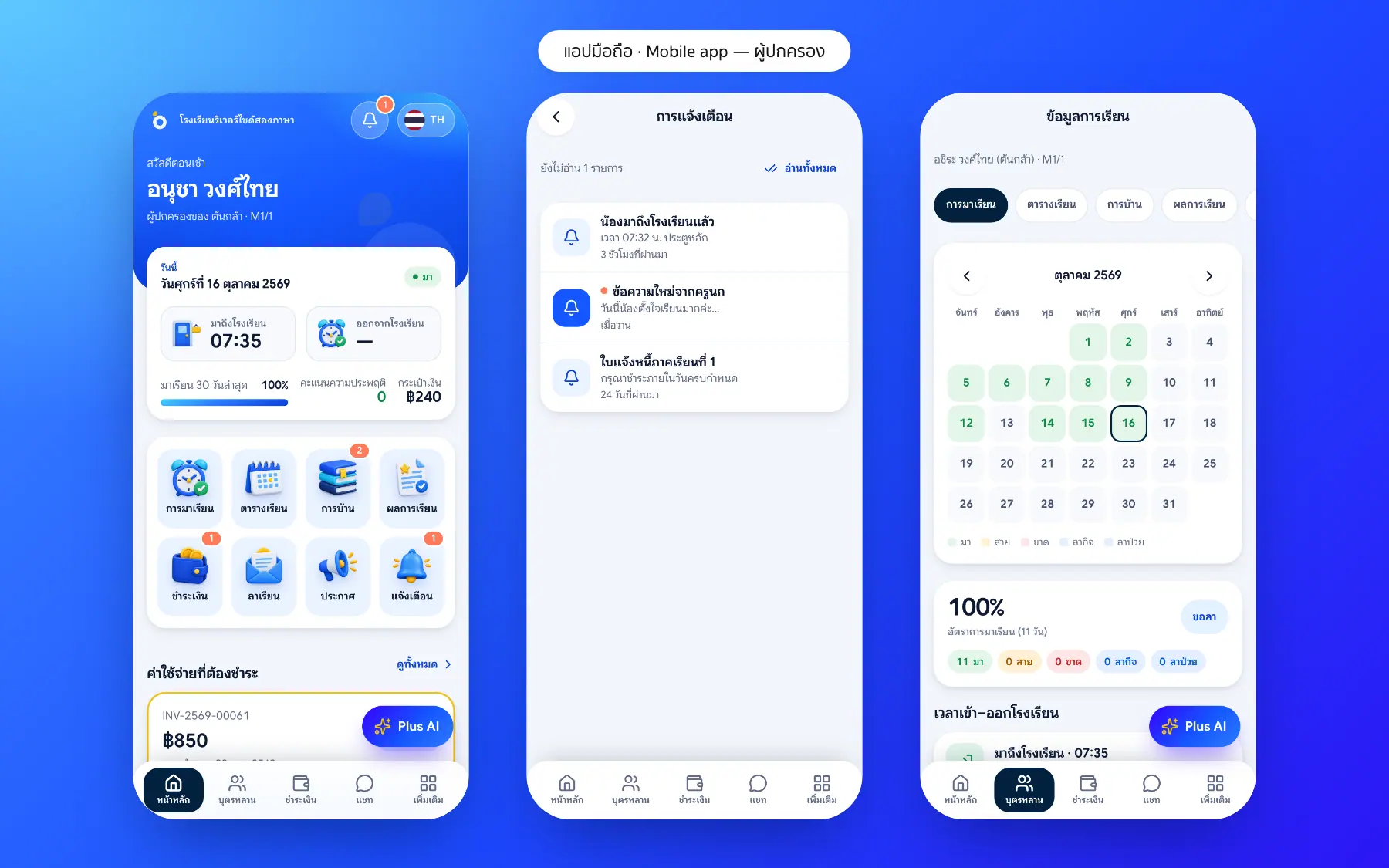
Every scan is recorded and parents are told in the app.
What is the staff app?
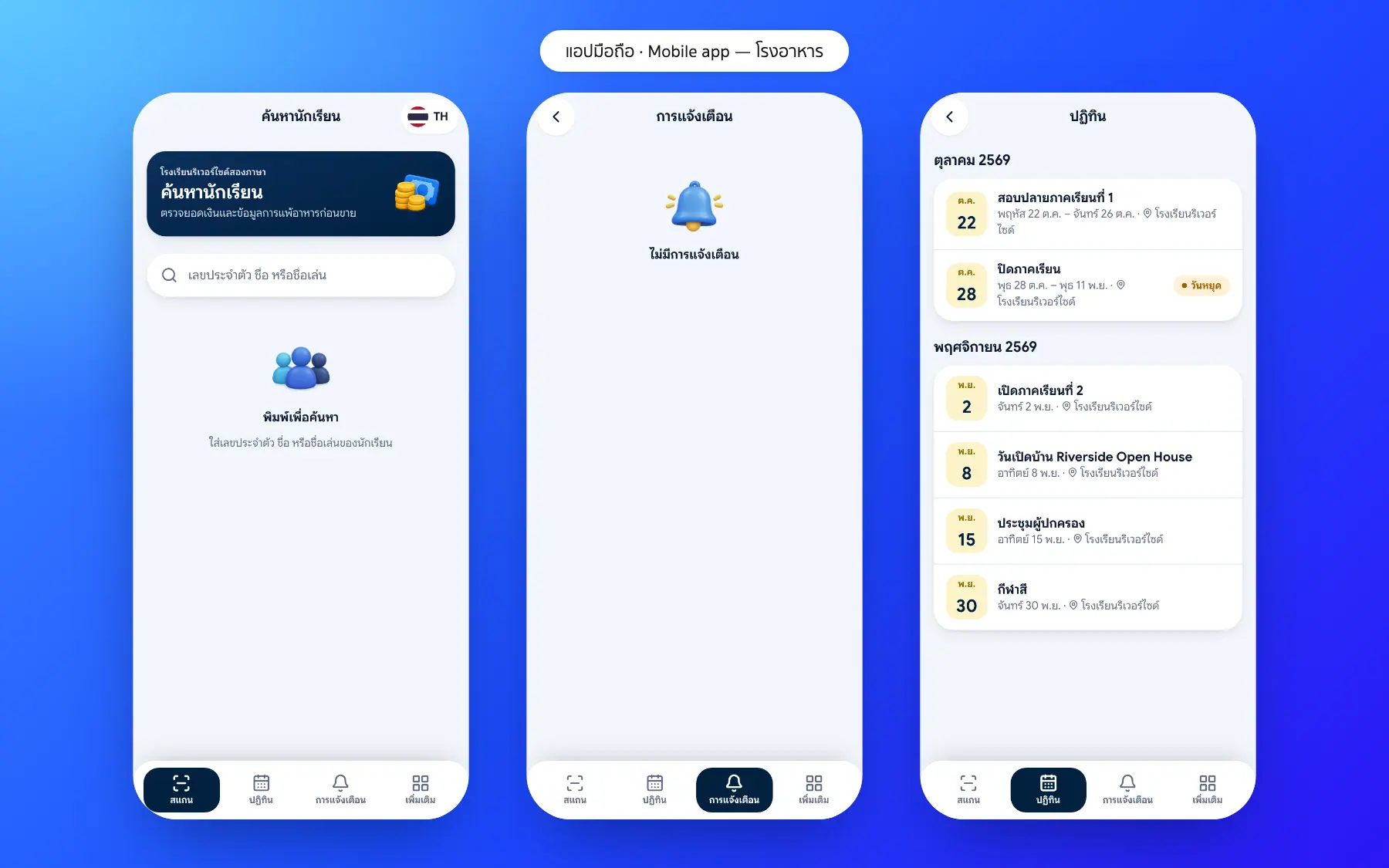
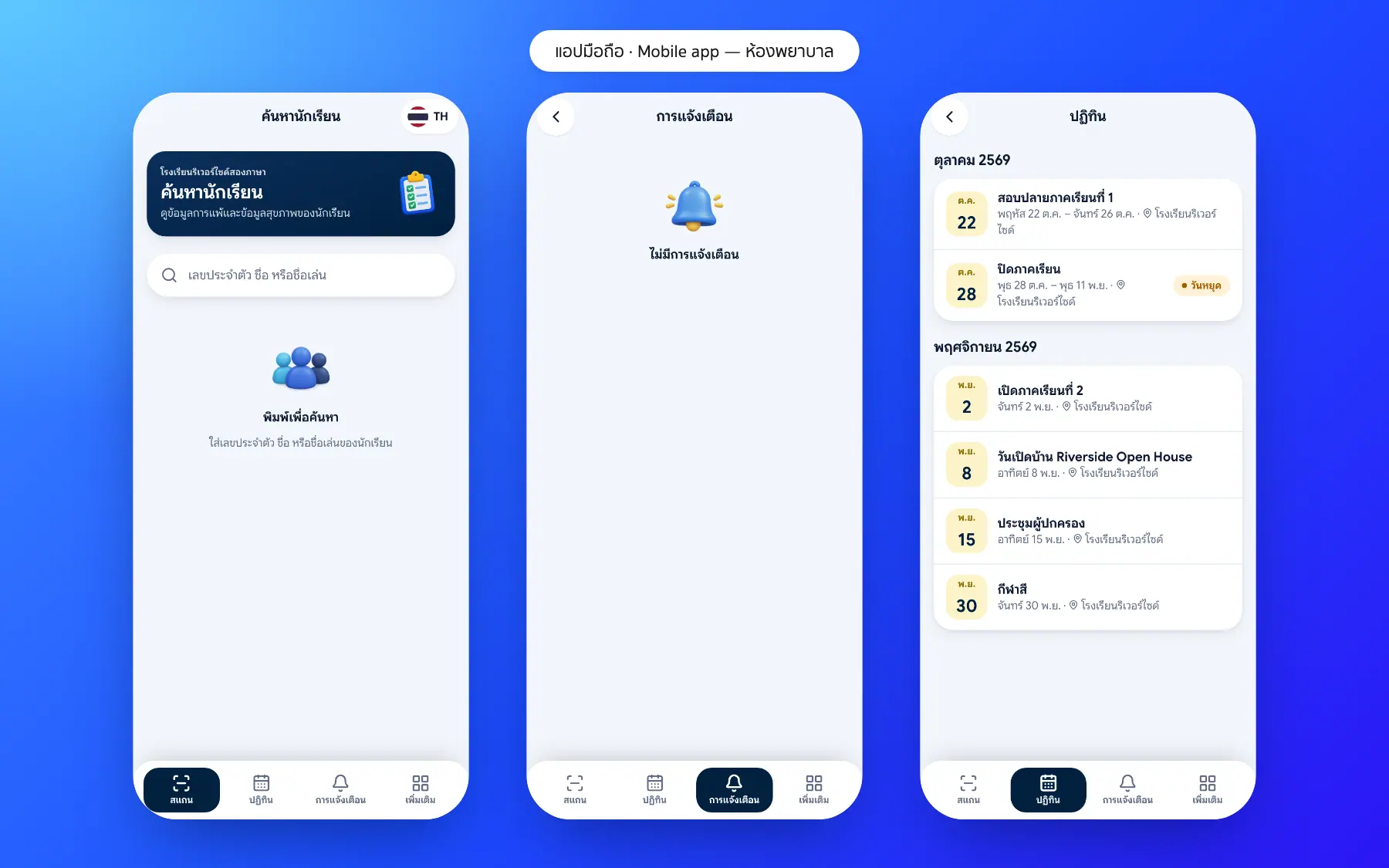
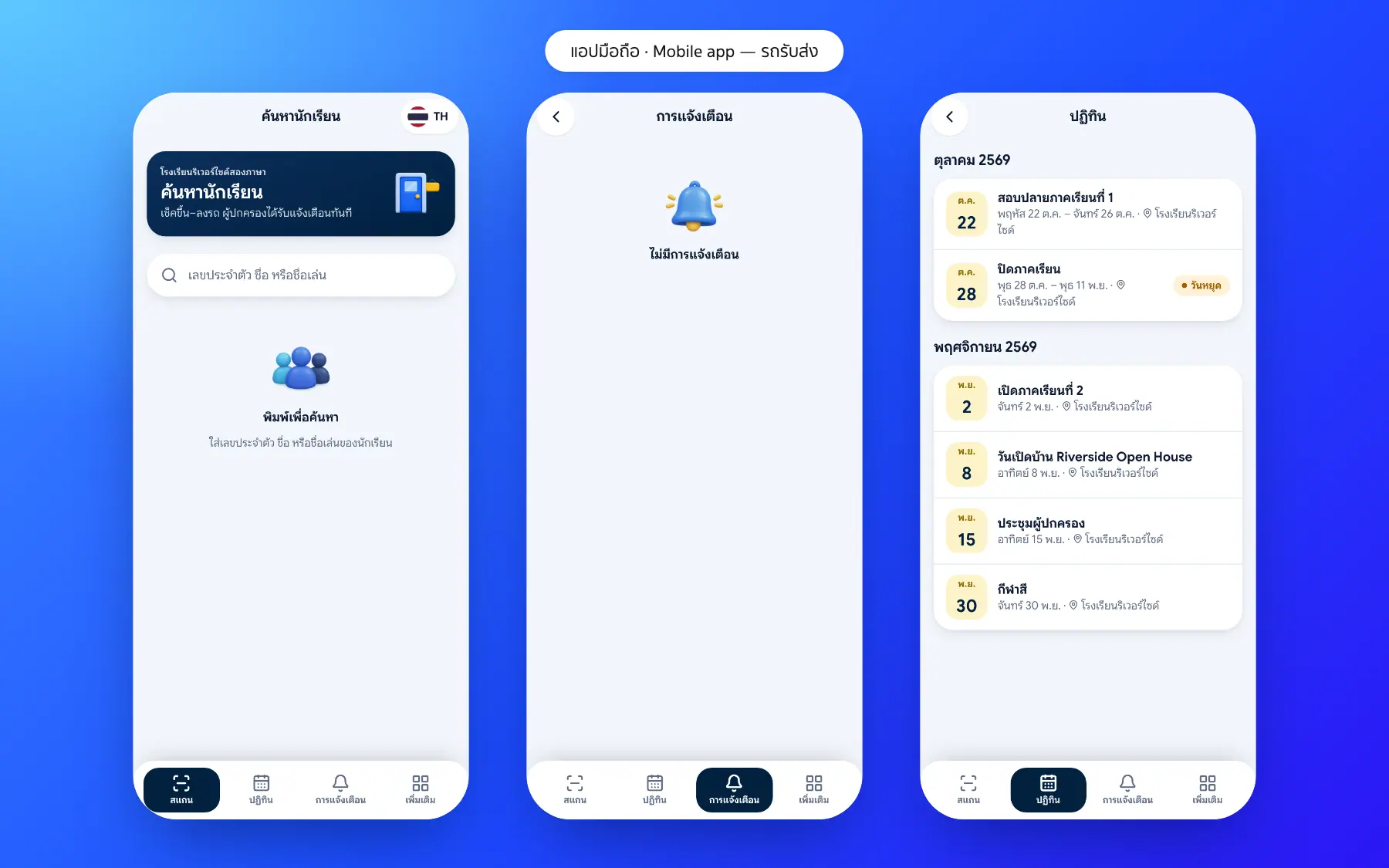
The Bluweo School Plus staff app lets the canteen, nurse room, gate and bus scan student cards with the phone camera.
Canteen, nurse room and gate app screenshots
Real screens from the live demo. Click a screenshot to see it large and step through them.
How it works
How a school uses the canteen, nurse room and gate app
1. Staff sign in
Each sees only their own job.
2. Scan the student card
With the phone camera, card or QR.
3. Recorded automatically
Time, place and who recorded it.
4. Parents are told
The relevant alert in the parent app.
What it does
Everything it can do today
No extra hardware
The phone camera scans cards or QR codes.
Only their own job
Each role sees only its own menus.
Recorded automatically
Time, place and who recorded it, every time.
Parents know at once
Alerts on arrival, nurse visits and spending.
Cashless canteen
Charged to the student account; parents see the spending.
Nurse room
Symptoms and medicine recorded; parents told at once.
Gate and bus
In and out times become attendance.
More scan points
The library or other points use the same app.
Who uses it
Everyone shares one set of data but sees only their part
Canteen
Sell without cash or change.
Nurses
Record care and tell parents.
Bus and gate
Scan in and out with a phone.
Related features
Every feature shares one set of data, so they work together from day one
School bus and arrival
Scan on and off the bus or at the gate; parents know at once that their child has arrived.
Learn more — School bus and arrivalStudent care
Behaviour records, leave requests and a list of students to follow up from attendance and grades.
Learn more — Student careParent and student app
Attendance, homework, grades, fees and chat with teachers in one app.
Learn more — Parent and student appStaff app questions
Cards with a QR code or barcode, or the QR in the student app.
Scans are kept on the phone and sent when back online.
Yes, such as the library or activity rooms.